PowerApps Model Driven App - Cascading Dropdowns
Here are the steps needed in order to have cascading dropdowns in a Model driven app. Example: User selects a country and then selects state inside that country.
Example DataVerse structure:
- A Country Table: holds names of countries
- A State Table: hold names of State with a lookup to the country where the state belong
- A Location Table: a custom table that has 2 lookups: one lookup for Country and another lookup for State
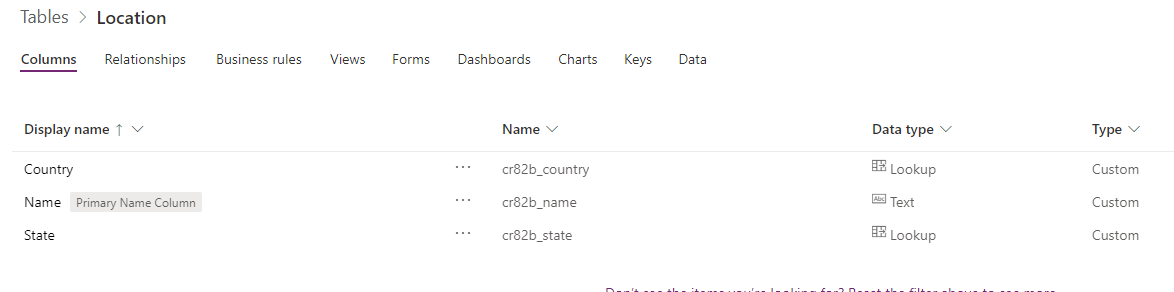
We can then create a model driven app with these 3 tables
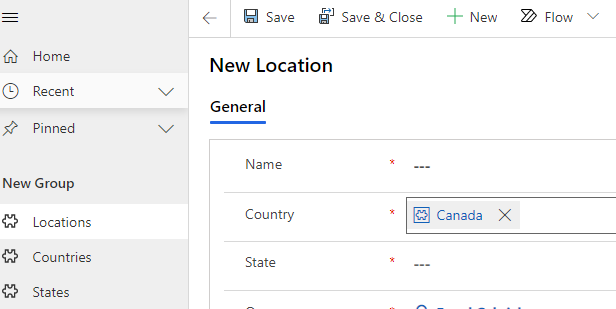
We then need to go to the Location table Main form (or whatever form that is being used in the model driven app) and we need to add a JavaScript Web Resource
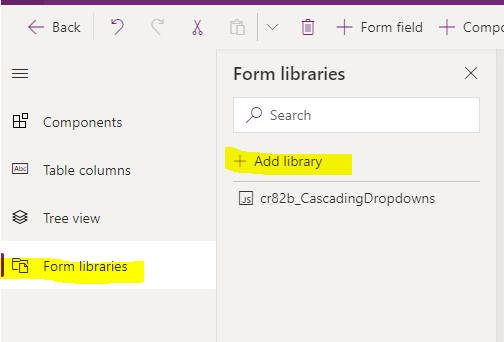
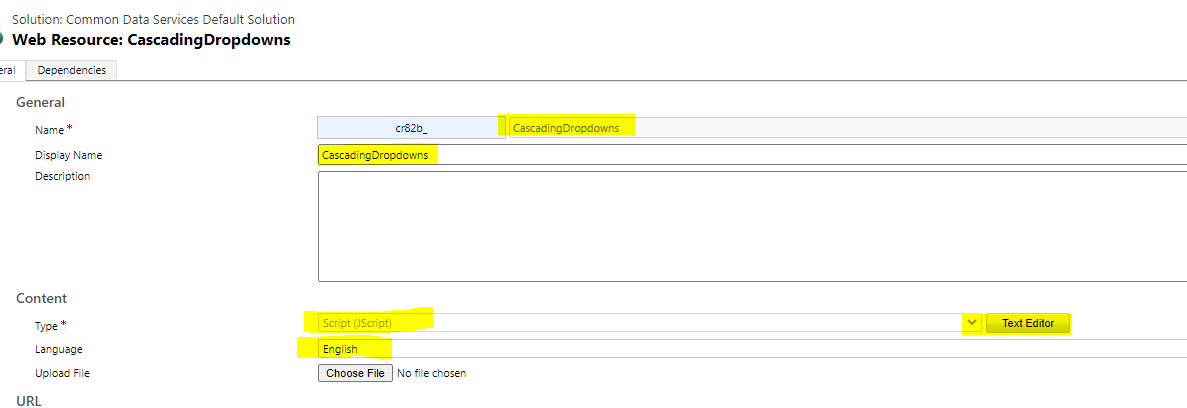
You can then simply click the Text Editor to paste the JavaScript code
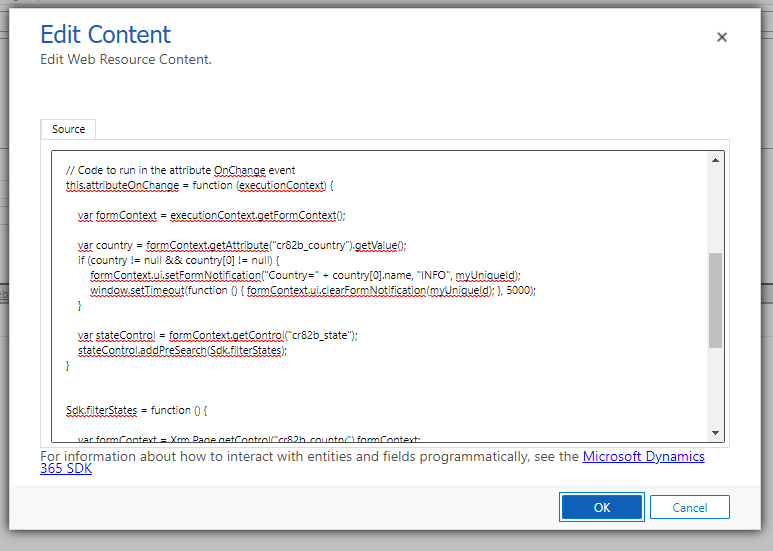
The Code is
var Sdk = window.Sdk || {};
(function () {
    // Define some global variables
    var myUniqueId = "_myUniqueId"; // Define an ID for the notification
    var currentUserName = Xrm.Utility.getGlobalContext().userSettings.userName; // get current user name
    var message = currentUserName + ": Your JavaScript code in action!";

    // Code to run in the form OnLoad event
    this.formOnLoad = function (executionContext) {

    }

    // Code to run in the attribute OnChange event
    this.attributeOnChange = function (executionContext) {

        var formContext = executionContext.getFormContext();

        var country = formContext.getAttribute("cr82b_country").getValue();
        if (country != null && country[0] != null) {
            formContext.ui.setFormNotification("Country=" + country[0].name, "INFO", myUniqueId);
            window.setTimeout(function () { formContext.ui.clearFormNotification(myUniqueId); }, 5000);
        }

        var stateControl = formContext.getControl("cr82b_state");
        stateControl.addPreSearch(Sdk.filterStates);
    }


    Sdk.filterStates = function () {

        var formContext = Xrm.Page.getControl("cr82b_country").formContext;
        var country = formContext.getAttribute("cr82b_country").getValue();
        if (country != null && country[0] != null) {
            var stateFilter = "<filter type='and'><condition attribute='cr82b_country' operator='eq' value='" + country[0].id + "'/></filter>";
            formContext.getControl("cr82b_state").addCustomFilter(stateFilter);
        }
    }

    // Code to run in the form OnSave event
    this.formOnSave = function () {

    }
}).call(Sdk);
The main idea is to inject an OnChange Event to the Country Field and based on it, create a filter for States lookup
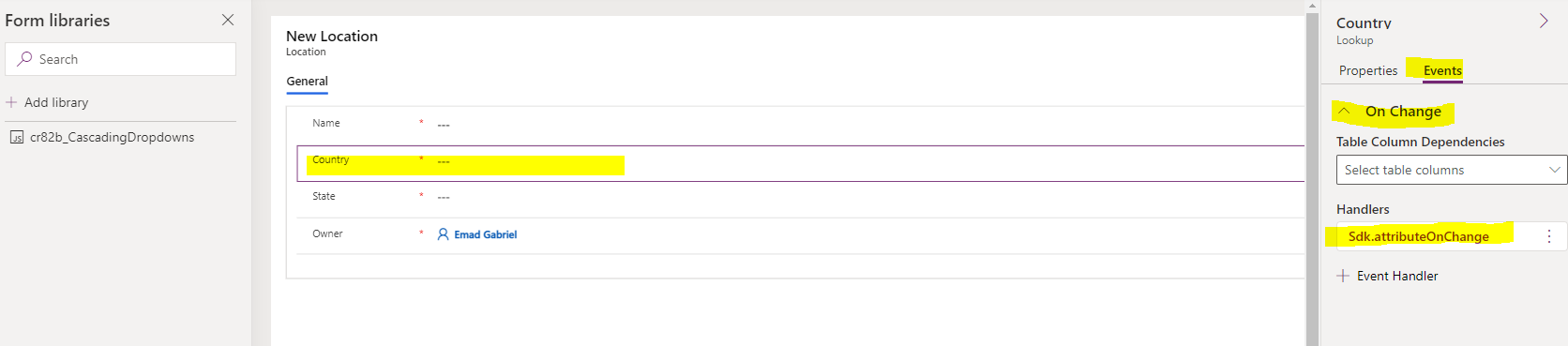
After publishing the script, refresh the Model driven app and you will see the filtering working (clicking "All records" after selecting a country, will only show states inside that country)
References:
addCustomFilter (Client API reference) in model-driven apps - Power Apps | Microsoft Docs
Filtering Lookups in Dynamics 365 with addCustomFilter and addPreSearch - Carl de Souza